


|
Name |
EasyShare |
|---|---|
|
Google Play Link |
GET IT ON
Google Play
|
|
Category |
Tools |
|
Developer |
PT vivo mobile Indonesia |
| Last version | 7.1.1.7_ex_gp |
|
Updated |
|
|
Compatible with |
Android android+ |
Introduction to EasyShare APK
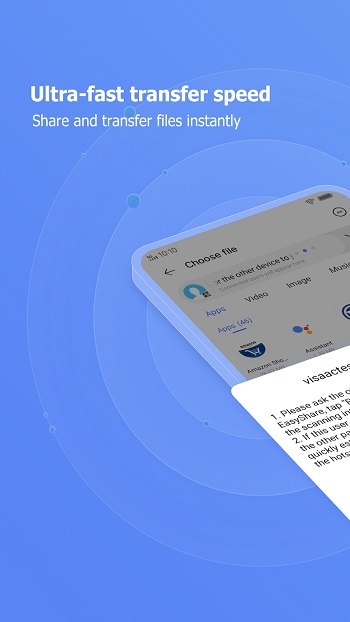
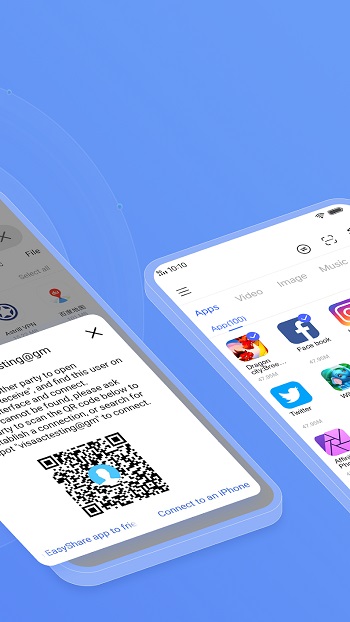
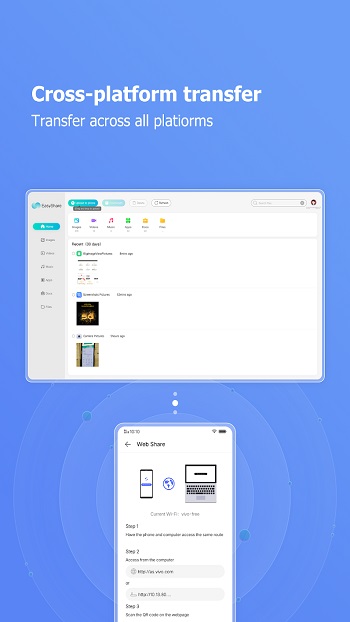
EasyShare is a mobile app built for quick file transfers across Android, iOS, Windows, and Mac devices. It acts as a utility tool that moves photos, videos, apps, and documents without using mobile data. The app focuses on simple sharing and device-to-device migration, which makes it handy during phone upgrades or when sending large files.
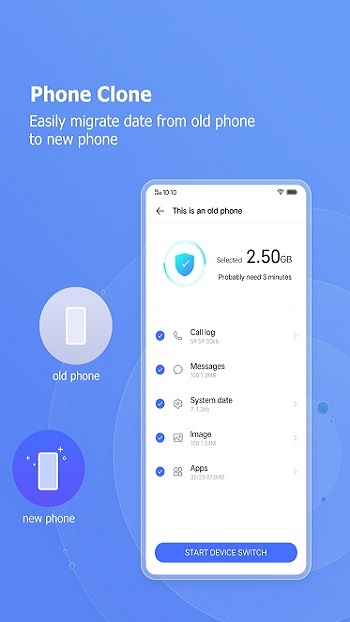
The core purpose of the app is to help users move data without relying on cloud storage or messaging apps that compress files. Instead, it uses wireless LAN or Bluetooth to create a direct link between devices. This method keeps the transfer stable and avoids slow upload speeds. Many people use it when switching to a new phone because it can move call logs and text messages in one go.
A major highlight of the app is its fast sending speed, reaching up to around 40 Mbps in ideal conditions. It supports many formats, from standard media files to APKs. Being cross-platform means you are not stuck transferring only between the same type of device, which saves time in mixed-device households or workplaces.
Its interface is straightforward. There are no ads cluttering the screen, so actions like selecting files or starting a transfer feel smoother. The phone replication tool guides you through moving your old device’s data, which is helpful for users who don’t feel confident dealing with manual backups.
There are some limitations to keep in mind. The actual speed depends on the environment, so crowded networks or older devices may slow things down. Both devices need to stay close during transfers. The app also depends on local wireless capabilities, so performance varies between different phone models.
EasyShare suits users who often swap files with friends, transfer media in bulk, or upgrade their phone regularly. It also works well for people who prefer offline solutions. Students sharing project files, parents managing photos, or anyone avoiding cloud uploads may find this tool helpful in day-to-day situations.
FAQs EasyShare
What is EasyShare?
+
EasyShare is a cross-platform file transfer app that moves data between phones and computers without using mobile data.
How fast can EasyShare transfer files?
+
Transfers can reach around 40 Mbps, depending on the device and network conditions.
Can EasyShare move data to a new phone?
+
Yes, the app includes a phone replication tool that moves messages, call logs, media, and apps.
Does EasyShare require an internet connection?
+
No, it uses wireless LAN or Bluetooth to send files offline.
Who should use EasyShare?
+
It fits users who need quick offline transfers, frequently switch phones, or want an ad-free sharing tool.
Discover More Interesting Apps
-
 Mod
Mod
Multiple Accounts
vv5.5.0
209.47 MB
Updated -
Theick.io
v0.4.8
29 MB
Updated -
Mod
Remote Mouse Pro
v5.306
63 MB
Updated -
Mod
TLS Tunnel
v7.2.6
27.95 Mb
Updated -
Ace Stream
v3.2.19.5
107.59 Mb
Updated -
90 FPS
v11.4
16.02 Mb
Updated -
Mod
Medix
v1.4.0
69.80 Mb
Updated -
Mod
Multi App
v2.7.0
37.47 Mb
Updated -
Sophon
v1.0.54.1
65.80 Mb
Updated -
Mod
SWAP - No ROOT
vv4.8.8
8.41 Mb
Updated










Share Your Thoughts